Troubleshooting FUME Plugin
IRIS provides convenient tools for debugging, monitoring and controlling data transformation flows. To visualize the data transformation process, follow the steps below:
- Open the Production editor
- Select one of the FUME components (FumeBusinessService, FumeStoreOperation or FumeTransformOperation)
- Switch to the Messages tab
- Select any message
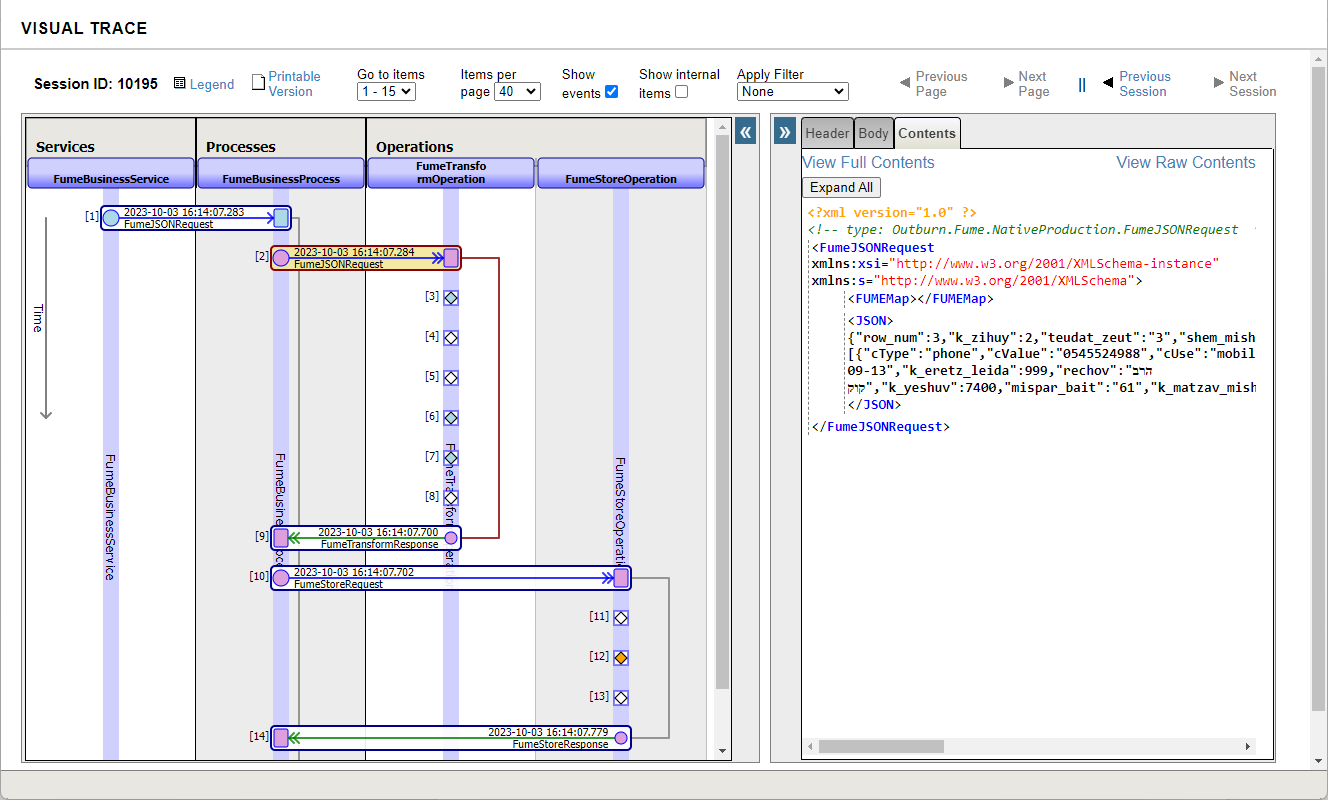
- The entire data flow will then be visualized and presented in a diagram as follows:
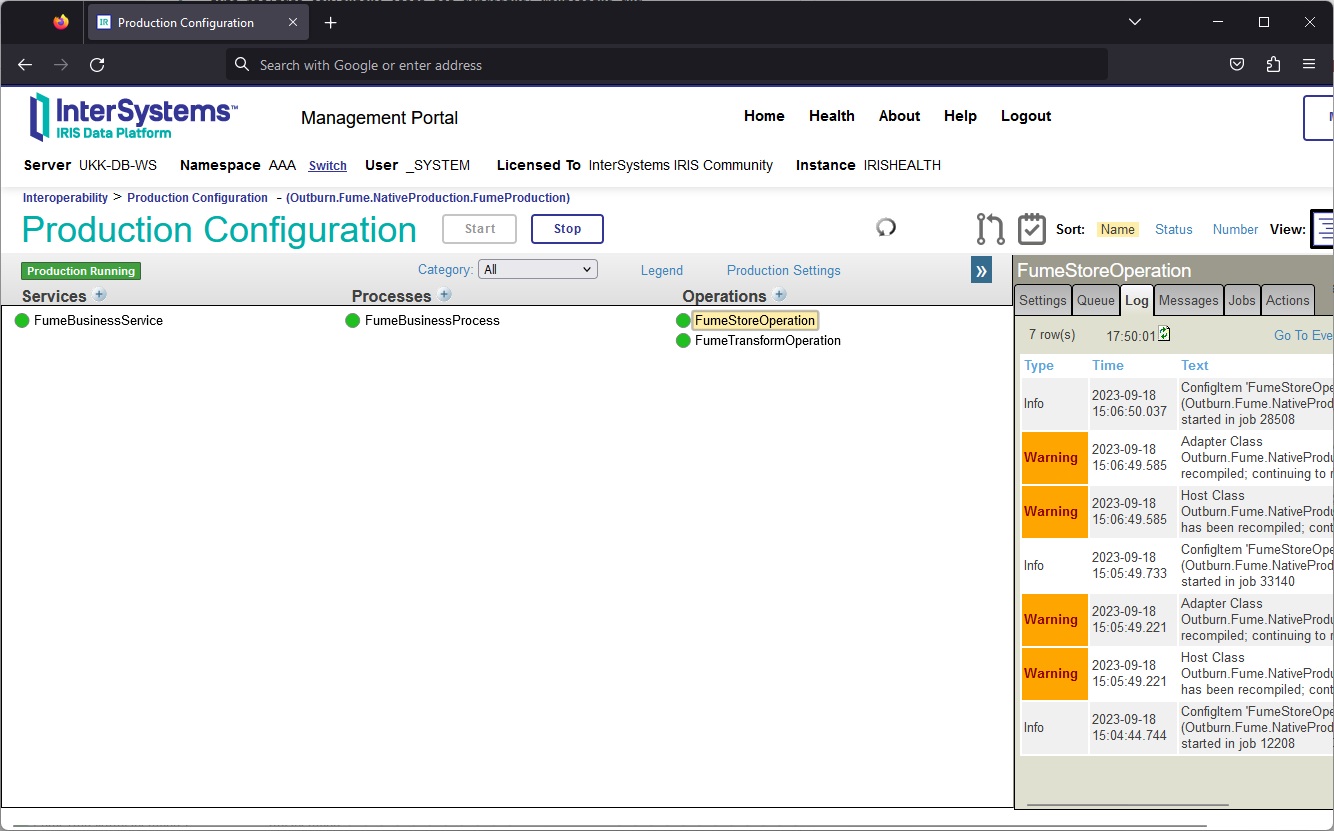
To view the Production event log, switch to the Log tab:
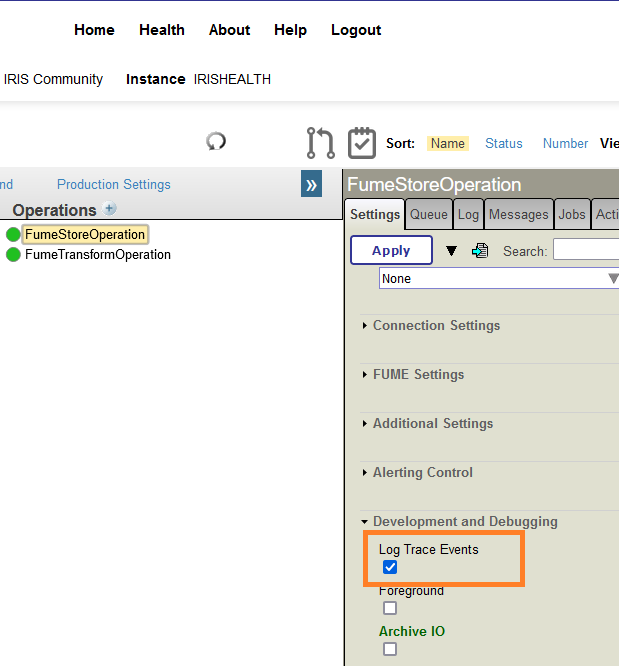
Please note that the Log Trace Events option should be set for all the Production components which actions should be logged: